


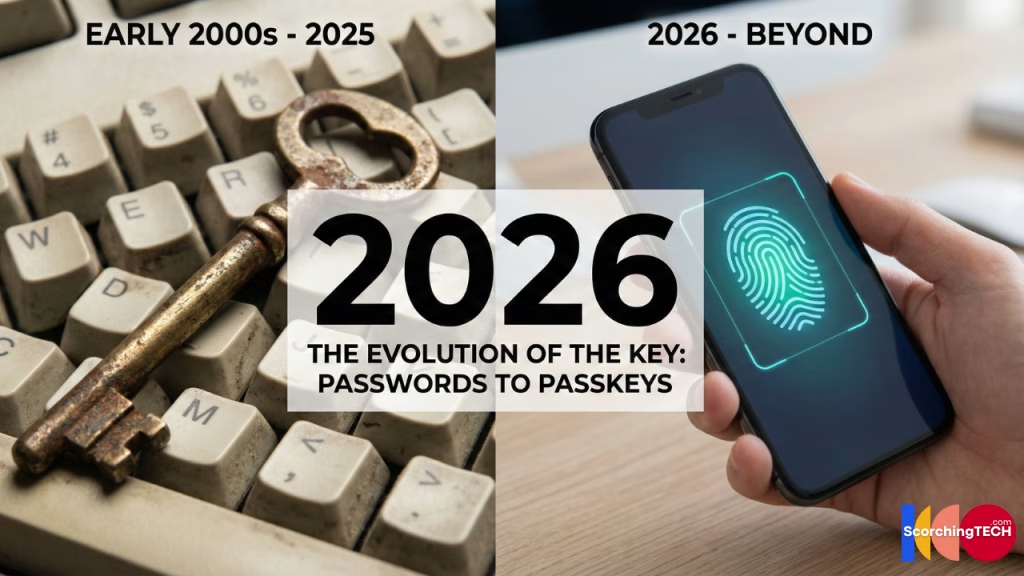
Introduction: The Evolution from Passwords to Passkeys ( Password Managers vs Passkeys )
For forty years, the digital world has run on a simple premise: you type a username, you type a secret string of characters, and you get access. But as computing power increases, the “secret string” (password) has become the single biggest liability in cybersecurity.
We are currently in a transition period. Two technologies are vying to secure your digital life: the Password Manager, which perfects the old system, and the Passkey, which seeks to replace it entirely.
If you are setting up your security stack in 2025, which one should you choose? The answer isn’t just “pick one”—it’s about understanding how they protect you differently against threats like credential stuffing and phishing.
The Incumbent: How Password Manager Work & Are They Safe?
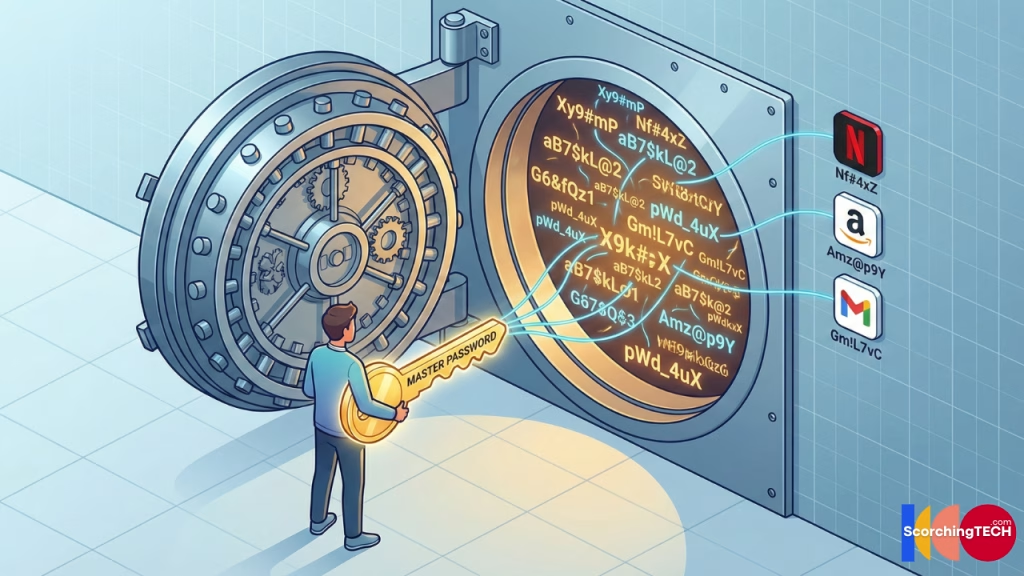
A password manager (like Bitwarden, 1Password, or Proton Pass) is essentially an encrypted vault. You memorize one complex “Master Password,” and the vault stores long, random, unique passwords for every other site you visit.
How It Works
When you create an account on Netflix, the password manager generates a high-entropy string like 7f&9#kL2$mPz!xR. When you log in, it autofills that string. You never know the password, and you never type it.
The Security Argument
- Entropy: It eliminates weak passwords like “123456” and “Password123”. Every account has maximum cryptographic strength.
- Isolation: If Netflix gets hacked and leaks your password, your Gmail account is safe because the passwords are different.
- Phishing Detection (Partial): Good managers won’t autofill if you are on
netfIix.com(capital ‘i’) instead ofnetflix.com.
The Vulnerability: The “Shared Secret”
The weakness of a password manager is the “Shared Secret” model.
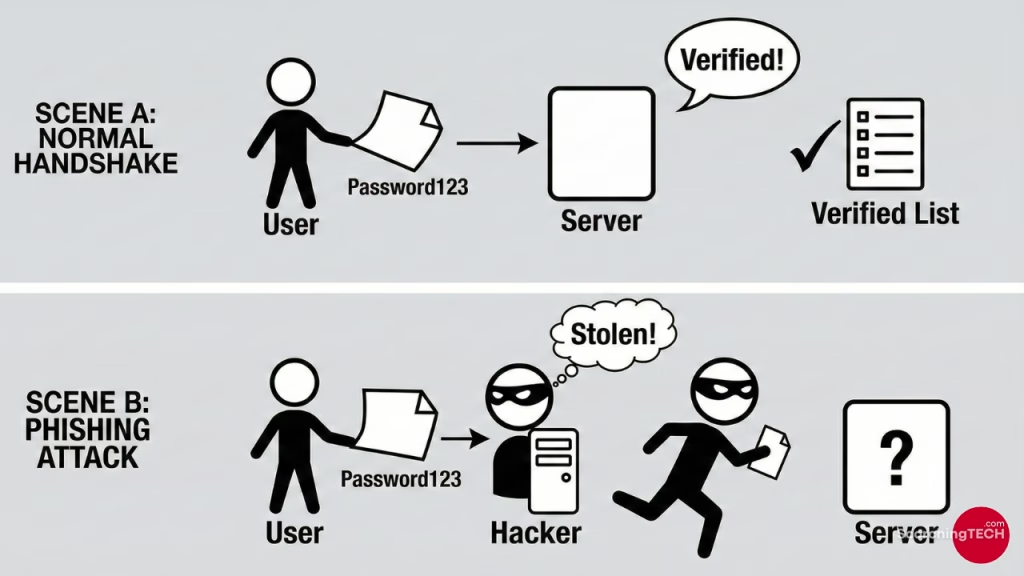
Ultimately, the server still stores a copy of your password (or a hash of it). If a hacker phishes you and tricks you into typing that password into a fake site, or if they intercept it via malware, they have the key. The server cannot distinguish between you typing the password and a hacker typing the password.
The Challenger: What Are Passkeys? (FIDO2 Explained)
Passkeys are not just “better passwords”; they are a fundamental shift in underlying technology. They use Public Key Cryptography (specifically the FIDO2/WebAuthn standards), the same math that secures cryptocurrency wallets and HTTPS connections.
How It Works
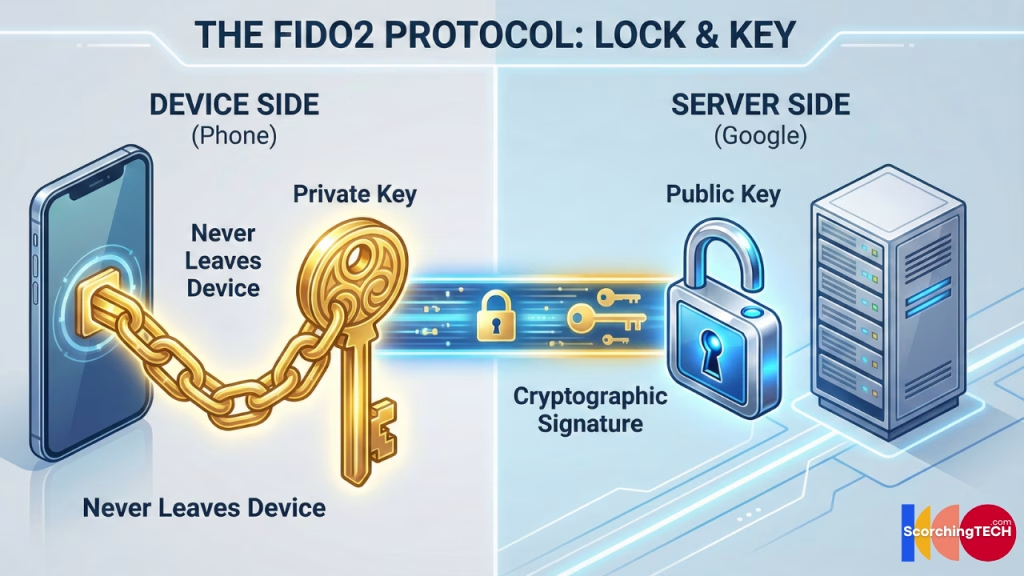
When you register a passkey for Google, your device generates a key pair:
- Private Key: Stored securely on your device (in the Secure Enclave on iPhone or TPM on Windows). This never leaves your device.
- Public Key: Sent to Google’s server.
When you log in, Google sends a mathematical “challenge” to your device. Your device uses the Private Key to “sign” the challenge and send it back. Google uses the Public Key to verify the signature.
The Security Argument
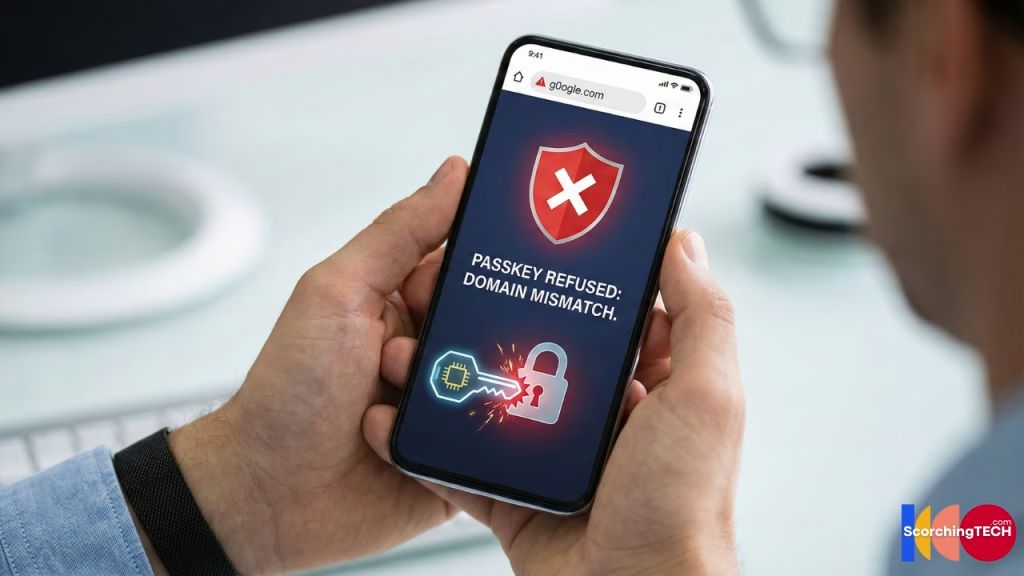
- Phishing Proof: This is the killer feature. Passkeys are bound to the specific domain (e.g.,
google.com). If you land on a fake site (g0ogle.com), your device will simply refuse to sign the challenge. There is no password to type, so there is nothing to steal. - No Server Secrets: If Google’s servers are hacked, the attackers only steal Public Keys. Public Keys are useless for logging in. They cannot be used to reverse-engineer your Private Key.
Comparison: Passkeys vs. Password Managers
| Feature | Password Manager | Passkeys |
| Phishing Resistance | Moderate (Autofill checks) | Perfect (Protocol level) |
| Server Breach Safety | Moderate (Depends on hashing) | High (Public keys are safe) |
| Convenience | High (Autofill) | High (FaceID/TouchID) |
| Portability | Excellent (Syncs everywhere) | Improving (Ecosystem lock-in issues) |
| Recovery | Master Password / Emergency Kit | Complex (Cloud backups required) |
The “Ecosystem” Problem: Why Haven’t We Switched?
If Passkeys are superior security-wise (and they are), why hasn’t everyone switched?
Portability.
A password is just text. You can write it on paper, memorize it, or save it in any software.
A passkey is a cryptographic file hardware-bound to a device.
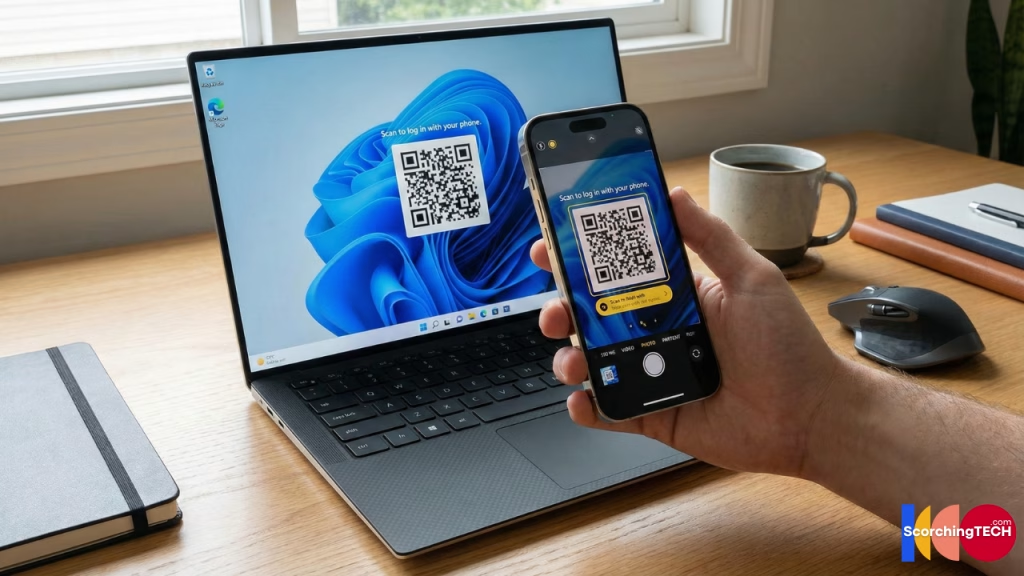
If you create a passkey on your iPhone (saved to iCloud Keychain), and then try to log in on a Windows PC, you hit a roadblock. You have to scan a QR code on the Windows screen with your iPhone to bridge the gap (Cross-Device Authentication).
While third-party managers like 1Password and Bitwarden now support storing passkeys, the experience is still fragmented compared to the universal utility of text passwords.
Verdict: The Hybrid Approach for 2025
We are in a “bridge” era. You cannot go 100% Passkey yet because 90% of the internet still doesn’t support them.
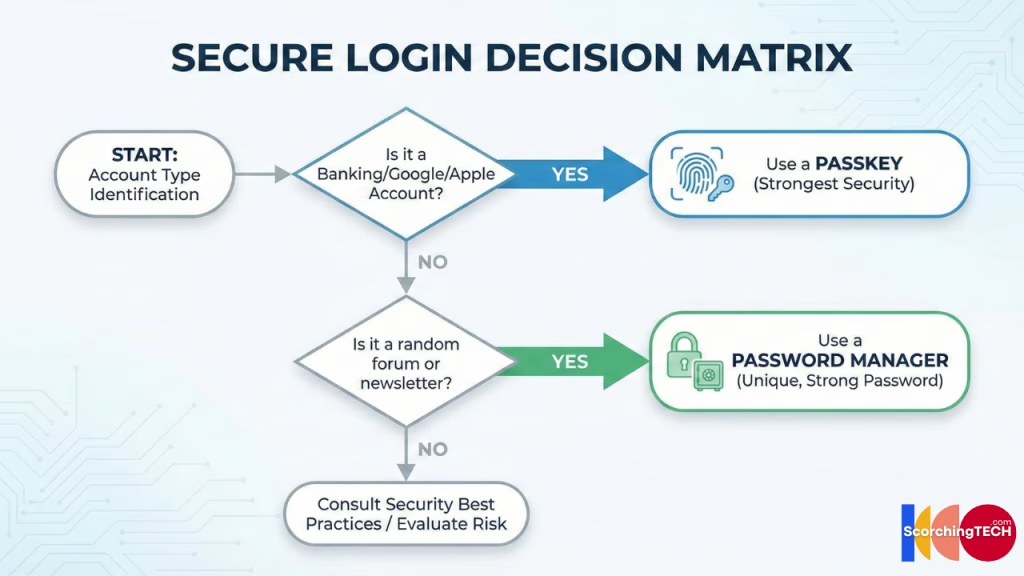
Your Strategy:
- Use a Password Manager as your Base: This is your daily driver for the hundreds of “normal” sites (forums, shopping, newsletters).
- Activate Passkeys for Critical Infrastructure: For your “Tier 1” accounts—Google, Apple, Microsoft, Amazon, and Banking—switch to Passkeys immediately. The anti-phishing properties are too valuable to ignore for these high-value targets.
Now that you understand the software side of authentication, learn how to physically secure your accounts using hardware in our guide: The Ultimate Guide to Securing Your Digital Identity.