


Do I need a VPN in 2026? We expose common VPN privacy myths, explain what VPNs actually hide from your ISP, and when they are truly necessary for security.
Introduction: The “Military Grade” Marketing Machine
Turn on any YouTube tech channel or podcast, and you will hear the pitch: “Protect your bank account from hackers! Get military-grade encryption! Browse anonymously!”
If you believe the ads, a Virtual Private Network (VPN) is a magic shield that makes you invisible online.
The reality is far more nuanced. While a VPN is a critical tool for specific threat models, it is not a silver bullet. For many users, asking “Do I need a VPN?” leads to a false sense of security that can actually result in riskier behavior.
This guide cuts through the marketing budget to explain the technical reality of the encrypted tunnel and legitimate VPN privacy capabilities.
What a VPN Actually Does (The Technical View)
At its core, a VPN performs two specific functions:
- Encapsulation: It wraps your internet traffic in an encrypted layer.
- IP Masking: It routes that traffic through a server owned by the VPN company before it hits the open internet.
The Result:
- Your ISP (Comcast/AT&T) sees a stream of encrypted gibberish going to a single server. They cannot see that you are visiting
health-advice.com. This effectively hides internet history from your provider. - The Website (https://www.google.com/search?q=health-advice.com) sees a connection coming from the VPN server’s IP address, not your home IP address.
Myth #1: “VPNs Protect My Bank Data”
The Reality: HTTPS (the Lock Icon) already does this.
In 2010, this myth was true. If you logged into your bank on HTTP (unencrypted) over public Wi-Fi, a hacker nearby could read your password.
In 2026, 99% of the web uses HTTPS (TLS encryption). When you connect to your bank, the connection is already end-to-end encrypted between your browser and the bank’s server.
If you use a VPN, you are simply putting an encrypted tunnel (HTTPS) inside another encrypted tunnel (VPN). It’s like putting a locked safe inside an armored truck. It offers redundancy, but for the average user on a secure home network, HTTPS does the heavy lifting.
Myth #2: “I Am Anonymous When I Use a VPN”
The Reality: You have simply changed who you trust.
Without a VPN:
- ISP: Sees which websites you visit (via DNS queries).
- Website: Sees your real IP address.
With a VPN:
- ISP: Sees nothing.
- VPN Provider: Sees EVERYTHING.
When you turn on a VPN to improve online privacy, you are transferring your trust from your ISP (who is regulated by local laws) to a VPN company (which might be a shell company in Panama or the British Virgin Islands).
If that VPN provider keeps logs—despite claiming “No Logs”—they can sell your browsing history just as easily as an ISP.
Critical Risk: Browser Fingerprinting. Even if your IP is hidden, ad networks identify you by your screen resolution, browser version, and installed fonts. A VPN does not stop Google or Facebook from tracking you if you are logged into their services.
When Do You Actually Need a VPN?
If they don’t make you invisible, are they useless? Absolutely not. You just need to use them for the right reasons.

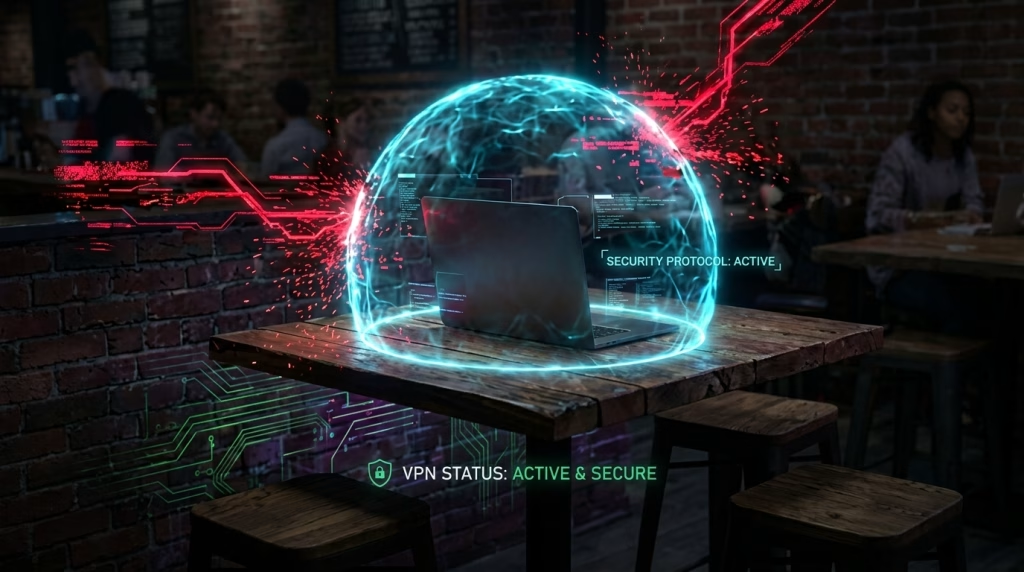
1. The “Coffee Shop” Threat (Public Wi-Fi Security)
On an open, unencrypted network, a hacker can execute “Man-in-the-Middle” attacks. They might try to downgrade your HTTPS connection or inject malicious code. Public Wi-Fi security is the #1 legitimate use case. A VPN protects you here by ensuring all traffic leaving your laptop is encrypted before it touches the coffee shop’s insecure router.
2. ISP Privacy (The “Nosey Landlord”)
In the US and UK, ISPs can legally collect and sell your browsing metadata. If you fundamentally do not trust your ISP with your data, a trustworthy VPN effectively blinds them, preventing ISP tracking.
3. Geolocation & Censorship
This is the most functional use case. If you need to appear to be in London while you are in New York (to access region-locked content) or if you need to bypass a government firewall, a VPN is the only tool for the job.
How to Choose a VPN (The Trust Checklist)
Since a VPN is a “Single Point of Failure” for your privacy, you must choose one based on technical audits, not YouTube sponsorships.
1. Independent Security Audits
Has a reputable firm (like Cure53 or Deloitte) actually inspected their code and server infrastructure? If they haven’t published a third-party audit, do not trust them.
2. “Ram-Disk” Servers
Top-tier no-logs VPN providers run their servers on RAM (volatile memory) only, with no hard drives. If a government seizes the server and pulls the plug, all data instantly vanishes. There is physically nothing to seize.
3. Jurisdiction
Where is the company legally based?
- Avoid: “Five Eyes” countries (US, UK, Canada, Australia, NZ) if your threat model involves state-level surveillance.
- Prefer: Privacy-friendly jurisdictions like Switzerland, Panama, or Iceland.
4. WireGuard Support
Ensure they support the WireGuard protocol. It is newer, faster, and has a smaller code base (easier to audit) than the older OpenVPN protocol.
Conclusion: A Tool, Not a Cloak
Use a VPN when you are on untrusted networks (hotels, airports) to ensure public Wi-Fi security. Use it to stop your ISP from building a profile on you. But do not assume it makes you a ghost.
If you log into Facebook while using a VPN, Facebook still knows exactly who you are.
Next Step: We have secured the perimeter (Router) and the pipe (VPN). Now we must look inside the house. Your smart TV and thermostat are likely the weakest link. Learn how to cage them in [Cluster 2.3: Isolating IoT Devices].