


Introduction: Don’t Panic, But Don’t Wait
[ data breach response guide ] It usually starts with an email from a company you haven’t thought about in years. “Notice of Data Incident.” Or perhaps your iPhone suddenly alerts you: “This password has appeared in a data leak.”
Your first instinct is panic. Your second is to ignore it and hope it goes away. Both are wrong.
Data breaches are the radiation of the digital world—invisible, toxic, and accumulative. A single breach might seem minor, but it provides hackers with the puzzle pieces they need to steal your identity.
This guide is your emergency data breach response guide checklist. If you have received a notification, stop what you are doing and follow these steps immediately to secure your digital life.
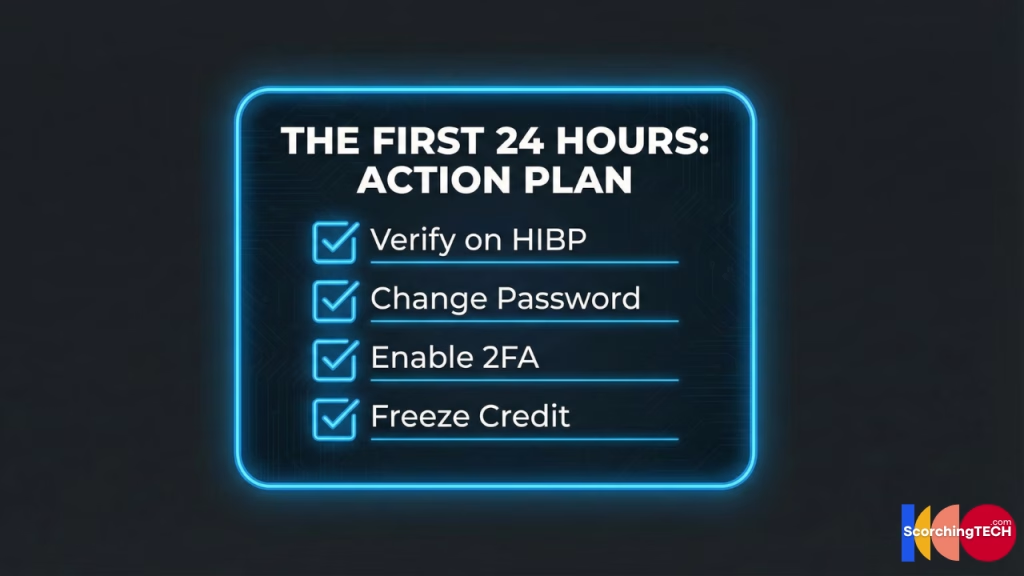
Step 1: Verify the Breach (Avoid the “Fake Alert” Scam)
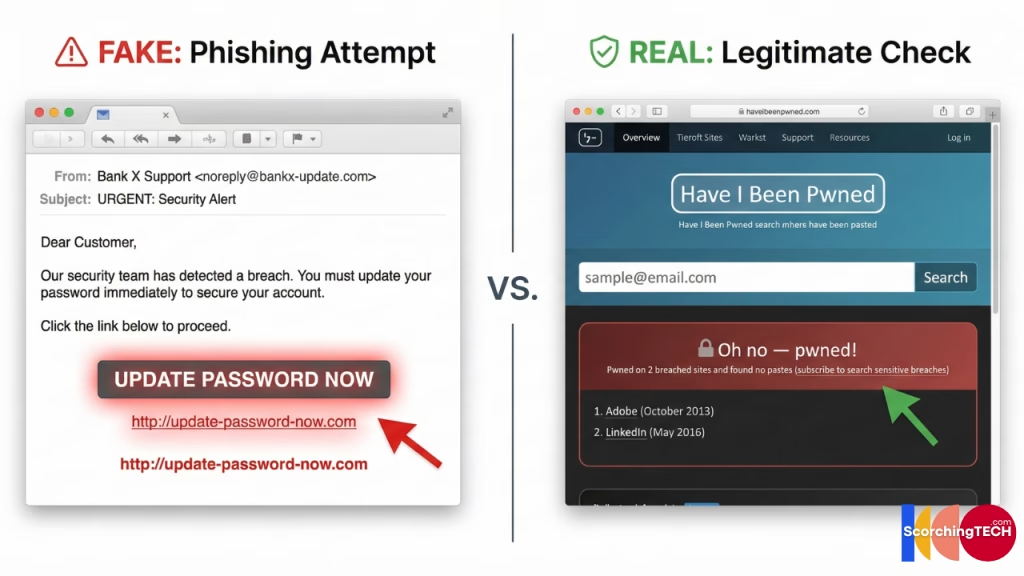
Hackers often send fake breach notifications. They want you to panic, click the link in the email, and “login to reset your password” on a fake site (phishing).
The Verification Protocol:
- Do NOT click the link in the email.
- Go directly to the company’s official website (e.g., manually type
ticketmaster.cominto your browser). - Look for a “Security News,” “Press Release,” or “Help” section.
- Check “Have I Been Pwned”: Enter your email address into this verified database to see if your data has appeared in known dumps.
Step 2: Triage the Damage (What Data Was Stolen?)
Not all cybersecurity incidents are equal. Read the fine print of the notice. Companies are legally required to tell you exactly what was taken.
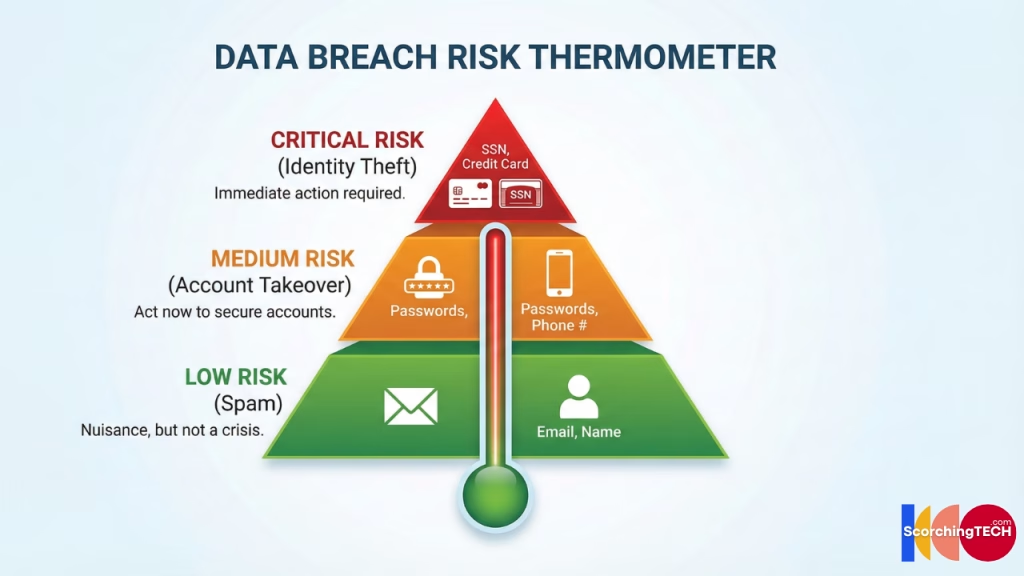
- Tier 3 (Low Risk): Name, Email address, Purchase history.
- Risk: Increase in spam and phishing emails.
- Tier 2 (Medium Risk): Passwords (hashed), Partial Credit Card numbers, Phone numbers.
- Risk: Account takeover, SIM swapping, Credential stuffing attacks.
- Tier 1 (Critical Risk): Social Security Numbers (SSN), Driver’s License scans, Passport info, Full Credit Card numbers + CVV.
- Risk: Total Identity Theft. Loans taken in your name.
Step 3: The “Credential Stuffing” Defense
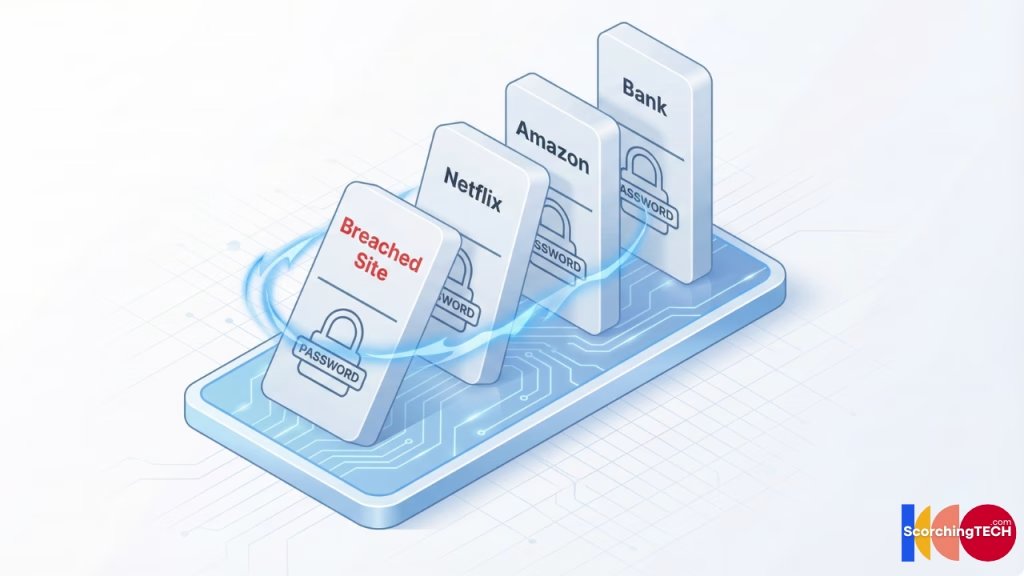
If passwords were leaked, hackers will not just attack that one site. They will use Credential Stuffing bots to try that email/password combination on Amazon, Netflix, Chase, PayPal, and thousands of other sites.
Immediate Action:
- Change the password on the breached site immediately.
- Ask yourself: “Did I use this password anywhere else?”
- If yes, you must change it on every single one of those other sites.
- Upgrade security: This is the moment to switch to a Password Manager and generate a unique 20-character string so this cascade never happens again.
Unsure why unique passwords matter? Read [Password Managers vs. Passkeys: Which is actually safer?].
Step 4: Financial Protection (Freeze Your Credit)
If your SSN or financial data was exposed (Tier 1 Breach), changing passwords is not enough. You must lock down your credit file.
Freeze Your Credit:
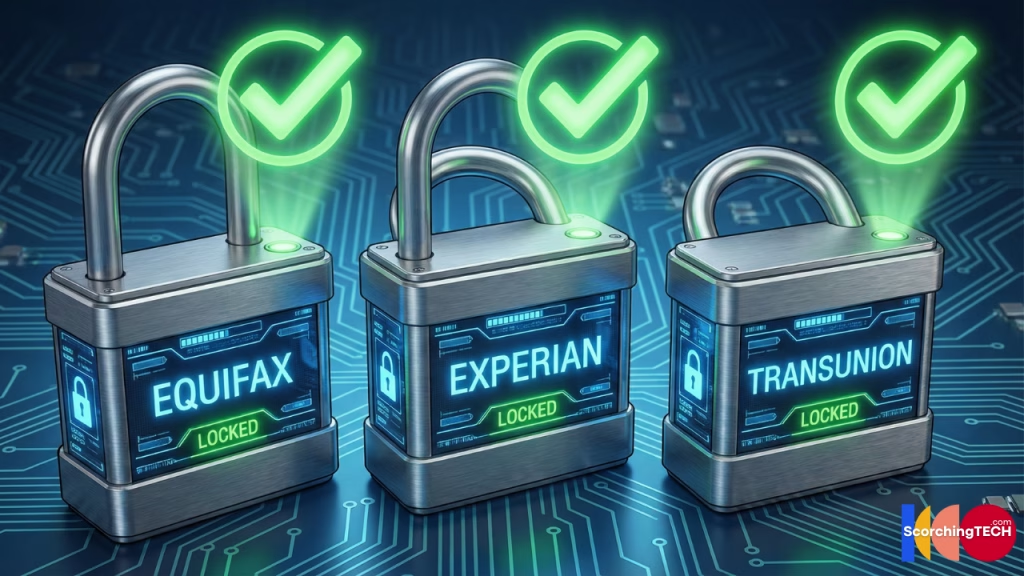
This prevents anyone (including you) from opening a new credit card or loan in your name. It is free and does not hurt your credit score. You must do it at all three major bureaus:
- Equifax
- Experian
- TransUnion
Set Fraud Alerts:
If you don’t want to freeze, at least set a “Fraud Alert,” which requires lenders to call you to verify your identity before issuing credit. This is a critical step in identity theft prevention.
Step 5: Post-Breach Vigilance (The Long Tail)
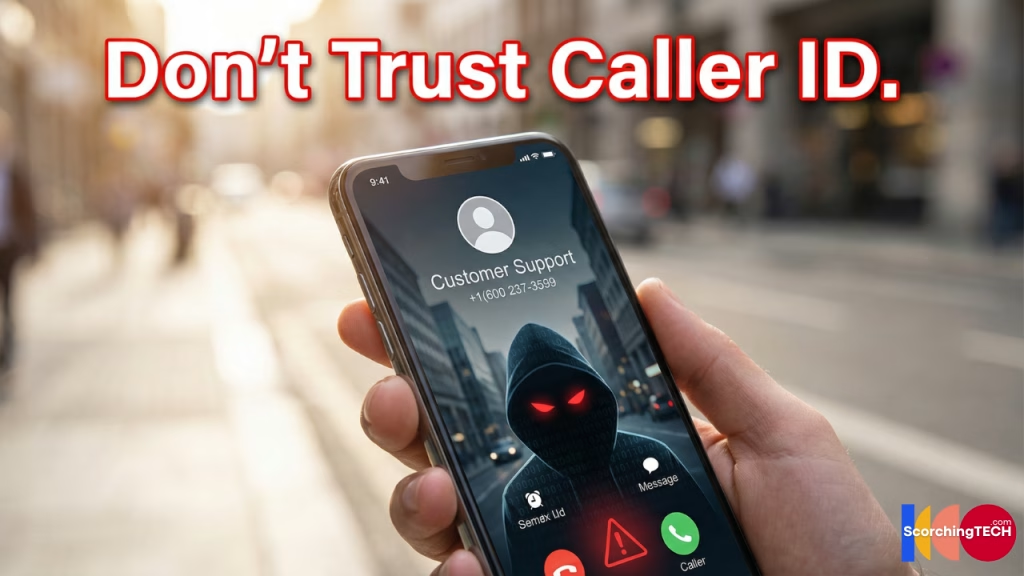
A breach often results in targeted social engineering weeks or months later.
The “Support Call” Scam:
Hackers know you are a customer of the breached company. They might call you, posing as that company’s fraud department.
- Hacker: “Hello, this is Ticketmaster security. We noticed suspicious activity due to the recent breach…”
- Reality: They are using the breach as a hook to get you to hand over your 2FA codes or credit card details.
Rule: If you receive a call about a breach, hang up. Call the official number on the back of your credit card or the official website.
Conclusion: Clean Up the Mess
Breaches are a good reminder of the dangers of “Digital Hoarding.” Why did that random forum from 2012 still have your data? Because you never deleted the account.
Going forward, practice Data Minimization. If you stop using a service, don’t just log out—delete the account permanently. The less data you have out there, the less you have to lose.