


I. Introduction
It seems like every week there’s a new headline about a massive data breach. Whether it is a social media giant or a healthcare provider, the result is always the same: millions of credentials exposed to the dark web. If reading that gives you a sinking feeling, you aren’t alone. Most of us are suffering from password fatigue. We are told to create strong passwords, unique, complex codes for dozens—sometimes hundreds—of accounts, a mental feat that is nearly impossible for the average human brain. To cope, we inevitably fall into bad habits: reusing the same password across multiple sites or relying on simple, predictable patterns just to get by.
But effective password security doesn’t have to be complicated or stressful. In fact, the old rules of password creation are often part of the problem. By shifting your strategy to use passphrases and adopting a password manager, you can drastically increase your online safety while simultaneously reducing the headache of remembering credentials. In this guide, we will break down the best cybersecurity tips to stop fighting your memory and start managing your digital keys effectively.
II. The Death of “Pa$$w0rd1” (Why Old Rules Fail)

For decades, IT departments and websites have drilled a specific set of rules into our heads: “Use at least one uppercase letter, one number, and one special symbol.” Naturally, we complied. We took our dog’s name, capitalized the first letter, and tacked a “1!” on the end. The result? Fido1!. Or maybe we got “clever” and used Leetspeak, turning password into P@$$w0rd.
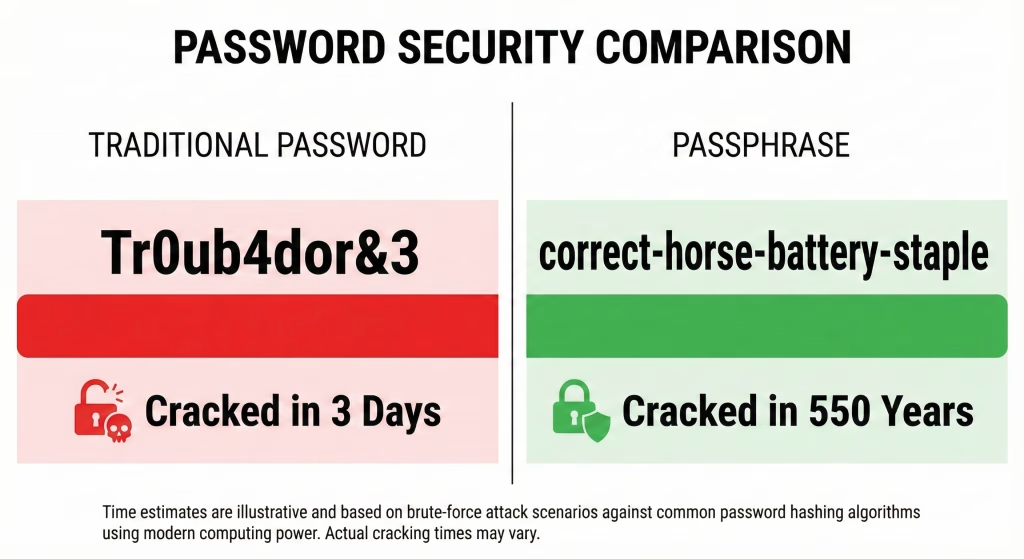
While these tricks might foil a human trying to guess your login, they are laughably easy for modern hacking software to crack via brute-force attacks. This is the “Complexity Trap.” A short, complex password like Tr0ub4dor&3 looks secure to the human eye, but it follows predictable patterns that cracking algorithms are designed to exploit. Computers can churn through billions of combinations per second, and they are programmed to look for common substitutions like @ for a or 0 for o.
The second failure of the old rules is human predictability. When forced to include a special character, most people choose !. When forced to use a capital letter, most capitalize the first character. When forced to change a password every 90 days, we just increment the number at the end (Winter2023 becomes Winter2024). These habits make “complex” passwords surprisingly easy to guess.
The modern understanding of password strength has shifted entirely. The most critical factor is not complexity; it is length. A long string of simple characters is mathematically harder for a computer to guess than a short string of complex gibberish. This concept—mathematical entropy—is the foundation of the new standard: the passphrase.
III. The Power of Passphrases: How to Create a Strong Password
If short, complex passwords are dead, what should replace them? The answer is the passphrase. A passphrase is a sequence of unrelated, random words strung together to form a password that is extremely long but easy for humans to visualize and remember.
This concept was popularized by the famous XKCD comic “Password Strength,” which perfectly illustrated the math behind security. The comic compares a traditional “strong” password like Tr0ub4dor&3 against a passphrase like correct-horse-battery-staple.
- The Traditional Password: Hard to remember, easy for computers to guess (because it’s short and follows rules).
- The Passphrase: Easy to remember (you can visualize a horse fixing a battery), but nearly impossible for computers to brute-force because of its sheer length.

To create a strong password, you need to rely on true randomness. Humans are terrible at being random; if you try to pick words yourself, you might subconsciously choose a theme like CoffeeCupDeskWork. Instead, use a random word generator or the “Diceware” method, where you roll physical dice to select words from a numbered list. Aim for a string of 4 to 5 words and separate them with spaces, hyphens, or periods to make typing easier.
The result is a credential that flows naturally from your fingertips. You don’t have to hunt for the ampersand key or remember if you capitalized the “T.” You simply type a sentence that only you know. This is the perfect strategy for your most critical accounts—specifically the “Master Password” for the tool we will discuss next.
IV. The Essential Tool: Why You Need a Password Manager
Now for a reality check: While passphrases are fantastic, you cannot possibly memorize a unique, four-word phrase for every single account you own. The average person has over 100 digital accounts; trying to memorize 100 unique sentences is a recipe for disaster. This is where the best password managers become essential.
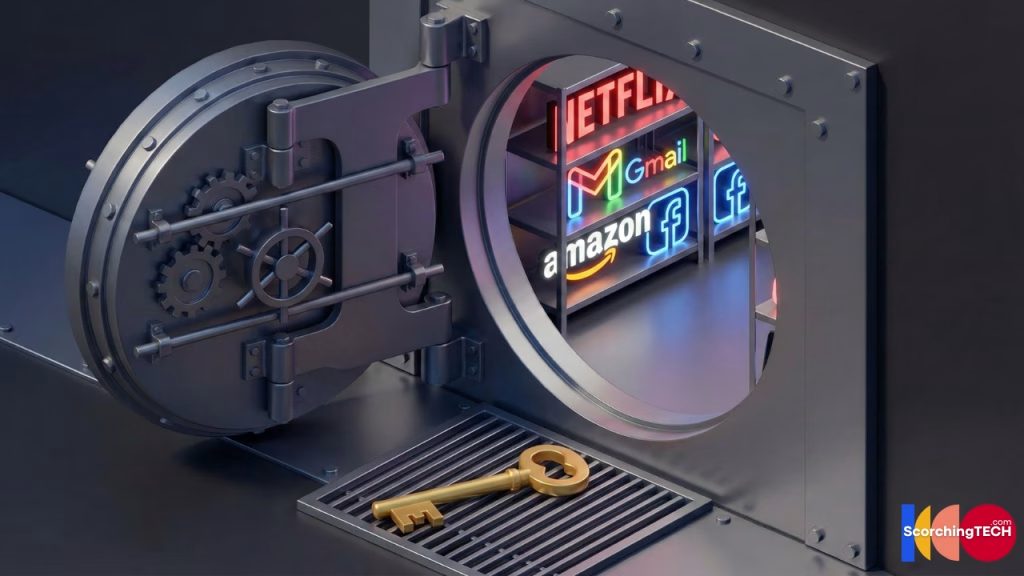
Think of a password manager as a secure, digital vault. Instead of memorizing the key to every single door in your life, you put all those keys inside the vault and lock it. Now, you only need to memorize one key: the Master Password (which should be a strong passphrase, as discussed above).
When you use a password manager, your workflow changes completely. For every website (Amazon, Netflix, Gmail), you let the manager generate a long, random string of gibberish (e.g., Xy9#mP2$kL!z5Q) and save it. You never need to know what that password is. When you visit the site, the manager autofills it for you.
When choosing a manager, look for these key features:
- Cross-Device Synchronization: It should work seamlessly on your phone, tablet, and computer so you are never locked out.
- Zero-Knowledge Architecture: This is crucial. It means your data is encrypted before it leaves your device. Not even the company that makes the password manager can see your passwords.
- Breach Monitoring: Many modern managers will alert you if a website you use has been hacked, prompting you to change that specific password immediately.
A common fear is, “But isn’t this putting all my eggs in one basket? What if the manager gets hacked?” It is a valid concern, but the alternative is far riskier. Writing passwords on sticky notes, saving them in an Excel sheet called “Passwords,” or reusing the same password everywhere exposes you to immediate danger. Password managers use military-grade encryption (AES-256). Even if hackers stole the manager’s database, they would only see scrambled nonsense that is mathematically impossible to read without your specific Master Password.
V. Common Cybersecurity Mistakes to Avoid
Even with the right tools, bad habits can still leave you vulnerable. To truly lock down your digital life, you need to eliminate these common mistakes:
1. The Cardinal Sin: Password Reuse If you take only one thing away from this guide, let it be this: Never use the same password twice. This is the single biggest cause of compromised accounts. It leads to a specific type of attack called Credential Stuffing. If a low-security site you use (like a random forum or old shopping site) gets hacked, attackers will take that email and password combination and instantly try it on Gmail, Amazon, PayPal, and Facebook. If you reused that password, they now have the keys to your entire life.
2. Relying on Personal Information Hackers have access to your social media too. If your password is your dog’s name followed by your birth year (Buster1985), you are easy prey. Specialized software can scrape your Facebook or Instagram profile for names, dates, and locations, generating custom wordlists to crack your specific accounts. Keep your passwords completely random and unrelated to your real life.
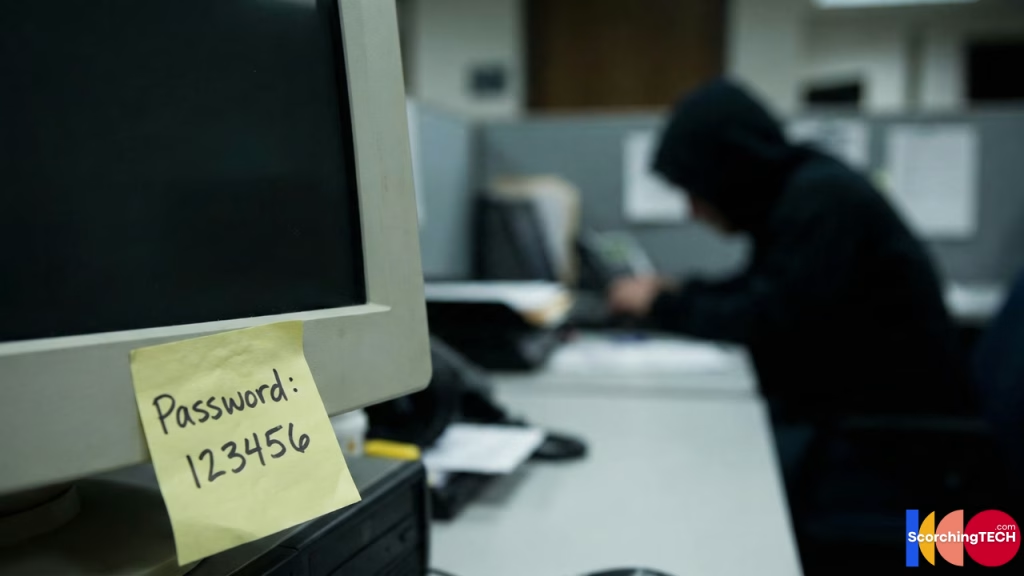
3. Keyboard Patterns When people are lazy, they look at the keyboard. Sequences like qwerty, 123456, asdfgh, or diagonal swipes across the keypad are the first things a cracking algorithm will try. Even if you add a number at the end, qwerty1 is still inherently insecure.
4. The Myth of “Rotating” Passwords For years, corporate policies forced us to change passwords every 90 days. We now know this is actually harmful. When forced to change a password arbitrarily, human nature takes the path of least resistance: we change Password1! to Password2!. This predictable incrementation offers zero security benefit. Modern guidelines (including those from NIST) recommend that you only change a password if you suspect it has been compromised. A strong, unique password that stays the same is far better than a weak one that changes slightly every few months.
VI. The Safety Net: Multi-Factor Authentication (MFA)
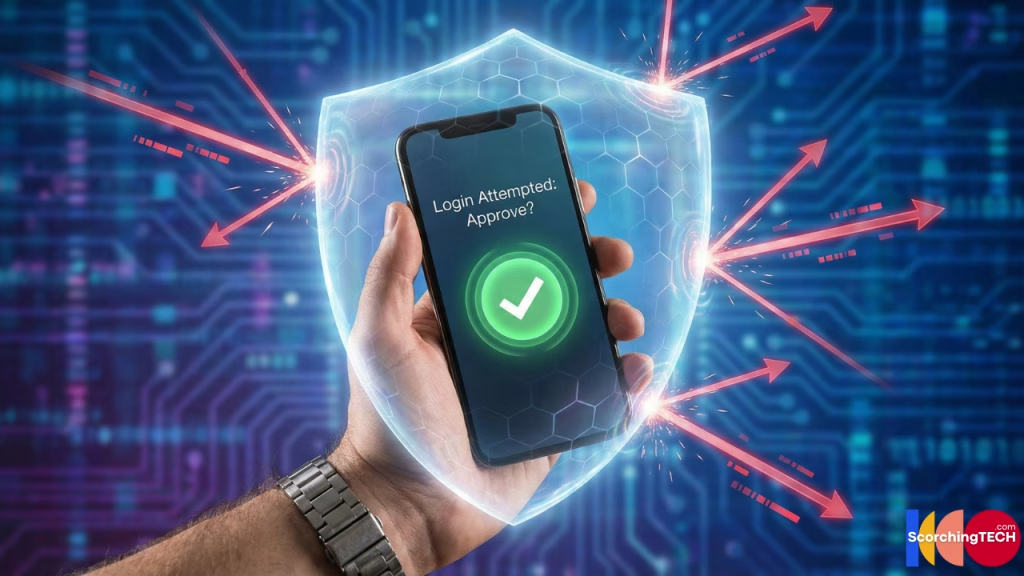
Here is the sobering truth: Even if you use a perfect 20-character passphrase, you can still be hacked. If you accidentally type your password into a fake “phishing” website that looks exactly like your bank login, the attackers have your credentials. This is why you need a safety net: Multi-Factor Authentication (MFA), sometimes called Two-Factor Authentication (2FA).
MFA works by requiring two different types of evidence to prove you are you:
- Something you know (Your Password)
- Something you have (Your phone, a security key, or your fingerprint)
If a hacker steals your password but doesn’t have your unlocked iPhone in their hand, they cannot get into your account. However, not all MFA is created equal. Here is the hierarchy of security:
- Passkeys (The Gold Standard): These are the future of authentication. Passkeys rely on the biometrics built into your device (FaceID, TouchID) to log you in without ever sending a code over the internet. They are virtually impossible to phish.
- Authenticator Apps (Highly Recommended): Apps like Google Authenticator, Authy, or Microsoft Authenticator generate a code that changes every 30 seconds. Because these codes live locally on your device, they are very secure.
- SMS Text Messages (Basic Security): Receiving a code via text is better than nothing, but it is the weakest form of MFA. Sophisticated hackers can perform SIM Swapping attacks to intercept your text messages. Use this only if it is the only option available.
VII. Conclusion
Securing your digital life does not require you to be a tech genius; it just requires a change in mindset. The days of struggling to memorize Pa$$w0rd123! are over. By embracing the simplicity of passphrases for your master accounts and trusting a password manager to handle the rest, you are not just making your life easier—you are making it infinitely harder for hackers to target you.
Don’t try to fix everything at once. Start small today. Download a reputable password manager (many have free tiers) and set it up. Then, take ten minutes to change your “Big Three” passwords: your primary Email, your Banking login, and your main Social Media account. Generate long, random, unique passwords for them and save them in your new vault. Once you see the peace of mind that comes from knowing your data is locked behind a mathematical fortress, you’ll wonder why you ever relied on your dog’s name in the first place.