


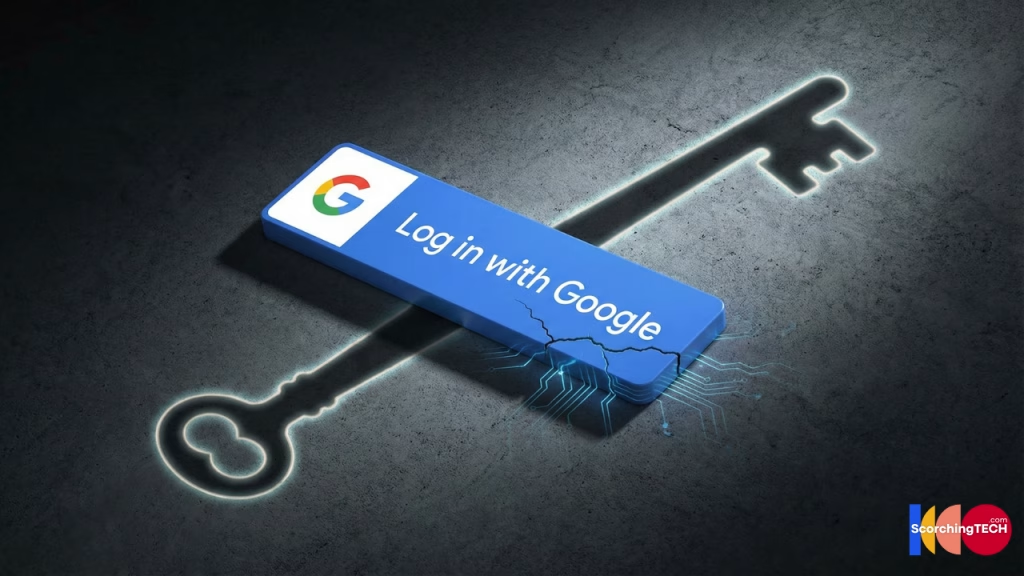
Introduction: The Convenience Trap of Single Sign-On “Log in with Google”
We have all done it. You download a new app or visit a new website. It asks you to create an account. You sigh at the thought of typing your email and inventing yet another password.
Then you see it. The shiny blue button: “Log in with Facebook” or “Continue with Google” or “Log in with Google”.
You click it. You’re in. It took two seconds.
This technology is called OAuth (Open Authorization). It is the glue that holds the modern web together. But while it offers incredible convenience, it also creates a massive “Chain of Trust.” If one link in that chain breaks, your entire digital identity can come crashing down.
This guide explores the OAuth security risks you accept every time you click that button.
How OAuth Works: The Hotel Key Card Analogy
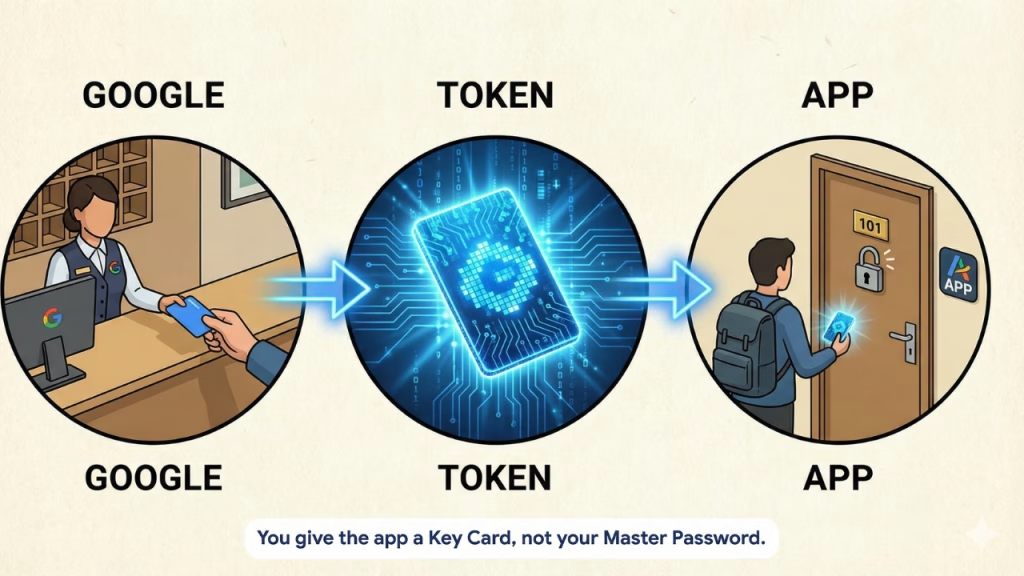
When you use “Log in with Google” to access “RandomApp,” you are not actually giving RandomApp your password.
- The Redirect: RandomApp sends you to https://www.google.com/search?q=Google.com.
- The Login: You tell Google, “Yes, I trust RandomApp.”
- The Token: Google gives RandomApp a digital Access Token.
Think of this Token like a hotel key card. The hotel front desk (Google) checks your ID and gives the key card (Token) to the guest (RandomApp). The guest can now enter your room without knowing the combination to the master safe.
The Risk: What Permissions Are You Granting?
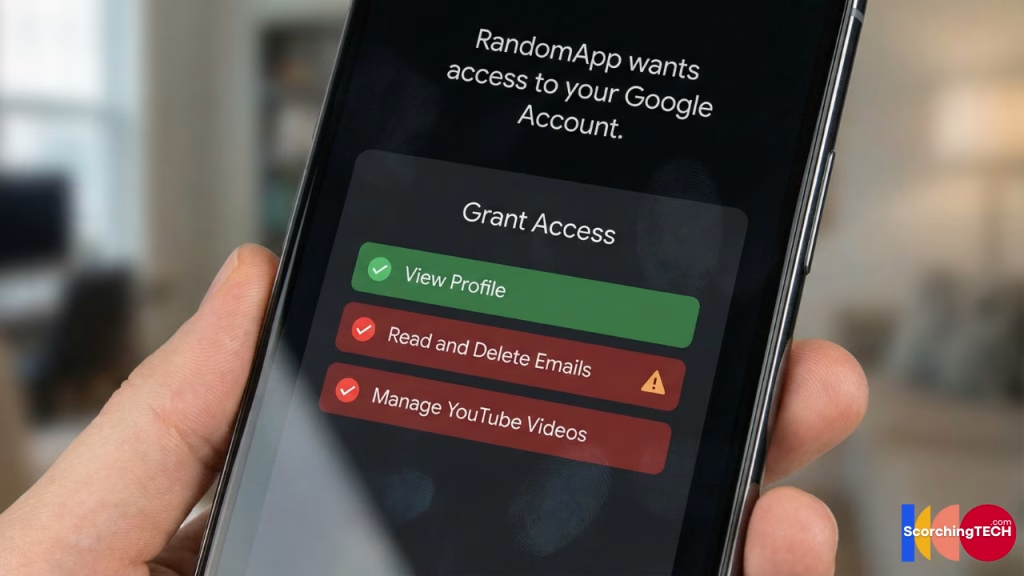
The danger lies in the Permissions (Scopes). Hackers create malicious apps that look legitimate just to harvest these tokens.
When you click “Allow,” a popup lists what the app can do. Most people don’t read it.
- Benign: “View your basic profile info.”
- Dangerous: “Read, compose, send, and permanently delete all your email from Gmail.”
- Dangerous: “Manage your YouTube account.”
If a malicious app tricks you into granting “Read Email” permissions, they don’t need your password. They have a Token that legally allows them to read your bank reset emails, 2FA codes, and private conversations.
The “Single Point of Failure” Risk

If you use your Google account to log into Spotify, Airbnb, Uber, and NYTimes, your Google account is now the Single Point of Failure.
The Scenario:
A hacker compromises your main Google account.
- Result: They can instantly log into every single app linked to it. They simply click “Log in with Google” on Airbnb, and since they are inside your Google account, the door opens.
This is why securing your “Root” identity with a Hardware Key is non-negotiable if you use OAuth heavily.
Internal Link: If you haven’t secured your root account yet, go back and read [How to set up a YubiKey: The Ultimate Hardware 2FA Guide].
The “Zombie App” Problem: Revoking Old Tokens
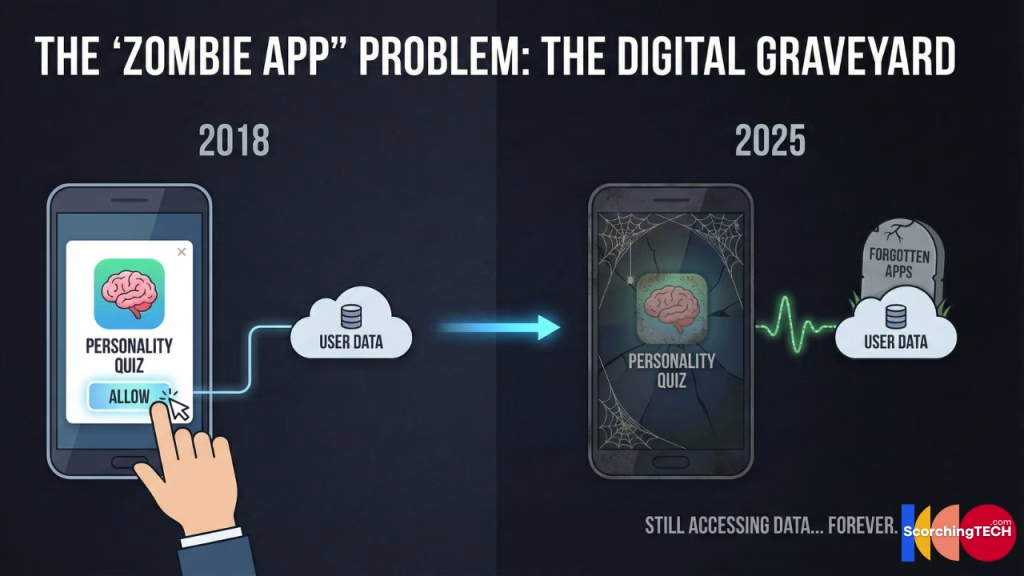
The biggest risk isn’t the apps you use today; it’s the apps you used five years ago.
OAuth tokens often last for years. That “Personality Quiz” you took on Facebook in 2018? It might still have access to your friend list. That “Unsubscribe Tool” you tried in 2020? It might still have permission to read your Gmail.
If that small company gets hacked (or bought by a shady data broker), they still have a valid key card to your data.
How to Audit and Revoke Third-Party Access
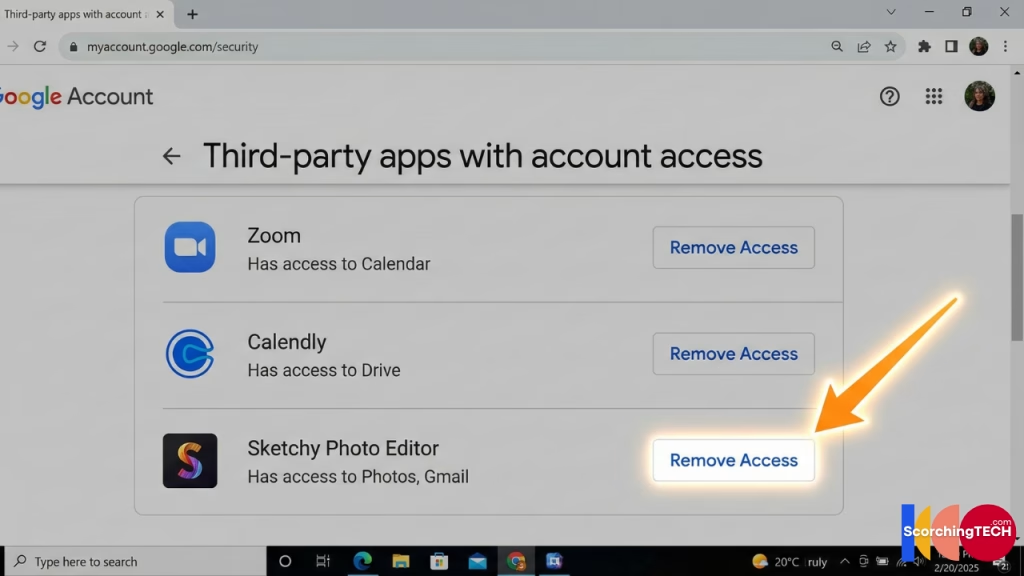
You must perform an OAuth Audit every 6 months to reduce your attack surface.
For Google Users
- Go to
myaccount.google.com/permissions. - Review the list under “Third-party apps with account access.”
- The Rule: If you don’t recognize it, or haven’t used it in 6 months, click “Remove Access”.
For Facebook Users
- Go to Settings & Privacy > Settings > Apps and Websites.
- Remove anything that looks suspicious or old (especially quizzes and games).
For Twitter/X Users
- Go to Settings > Security and account access > Apps and sessions > Connected apps.
- Revoke access for old analytical tools or bots.
Conclusion: Treat Access Like Cash
You wouldn’t hand a stranger the keys to your house just to save 5 seconds of unlocking the door yourself. Treat your digital keys with the same respect.
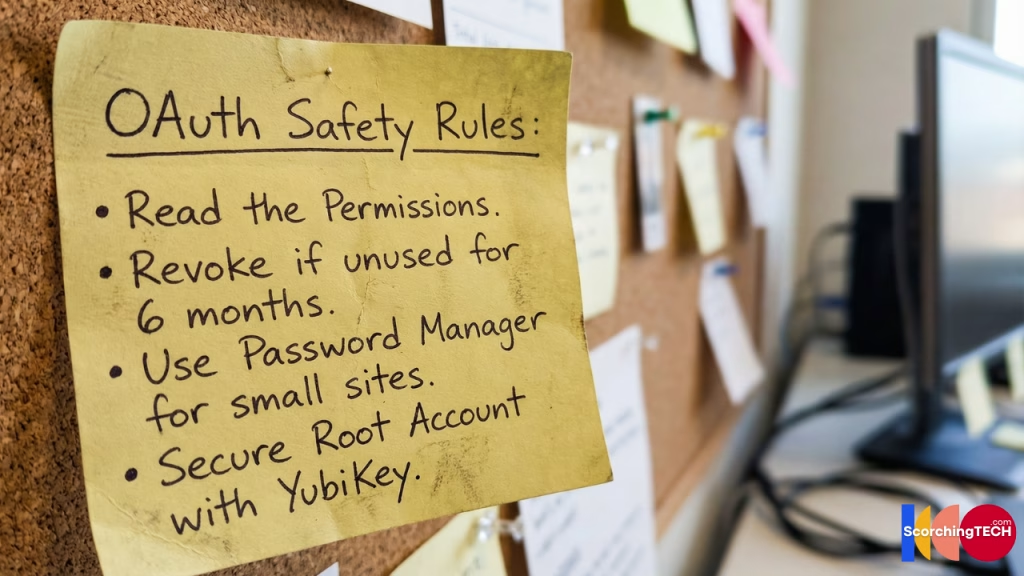
Best Practices for OAuth Safety:
- Use “Log in with…” only for reputable, major services (e.g., using Google to log into Zoom).
- For small, one-off websites, use your Password Manager to generate a unique login. It isolates the risk.
- Audit regularly.
Final Thought: You have now mastered the Identity layer of security. Next, we move to the physical layer. How secure is the router sitting in your living room? Proceed to Pillar 2: [How to Build a Fortified Home Network for Remote Work].